The year of the linux desktop is finally here. Or is it? It's been a meme for years now. But for me personally, 2025 was my year of the linux desktop. I switched from Mac to Linux on my main working machine. And I switched from windows to linux on my main gaming rig. The only copy of windows I have is in a 50GB VM, in case of emergencies.
Linux nerds have been fantasizing for years now about the year of the linux desktop. Every time a new distro is released, a DE gets an update, we get slightly better driver support, everyone shouts: the year of the linux desktop is here. But where's the widespread adoption?

Don't get me wrong, things have been definitely improving and the share of people using linux is slowly but surely going up. What we're doing wrong is shouting about the year of the linux desktop. There's never going to be a single year when everyone magically switches to linux. Everyone will switch at their own pace. They will have different reasons to switch to linux and different experiences when they do so.
While developers across the world have made great strides in making linux accessible, the fragmentation (which also makes the entire ecosystem unique and fun) still scares people who just want to use it as a daily driver. And the fear of needing to use the command line, because what if you accidentally wipe your entire system? Linux makes it ridiculously easy to do that. So apart from interoperable software with windows (which wine and proton have made amazing strides in), we also need reliable experiences.
Story time: my experience with mac, debian and windows.
As a dev myself, due to some dependency version issue with some python code (I don't remember exactly what), I had to downgrade my openssl package in debian. And that broke the system so hard that I had to reinstall it. I have faced similar issues in macs, when some system library would trap me in dependency hell. If I used arch, well let's not go there, if you're an arch user, I probably can't convince you to switch to bazzite.
And as a gamer who doesn't play online competitive games, I don't really care about playing games on linux/windows as long as they work. And microsoft has been pushing people very hard to use linux. No I don't want recall, No I don't want a chromium start menu, No I don't want to use a bloody microsoft account.
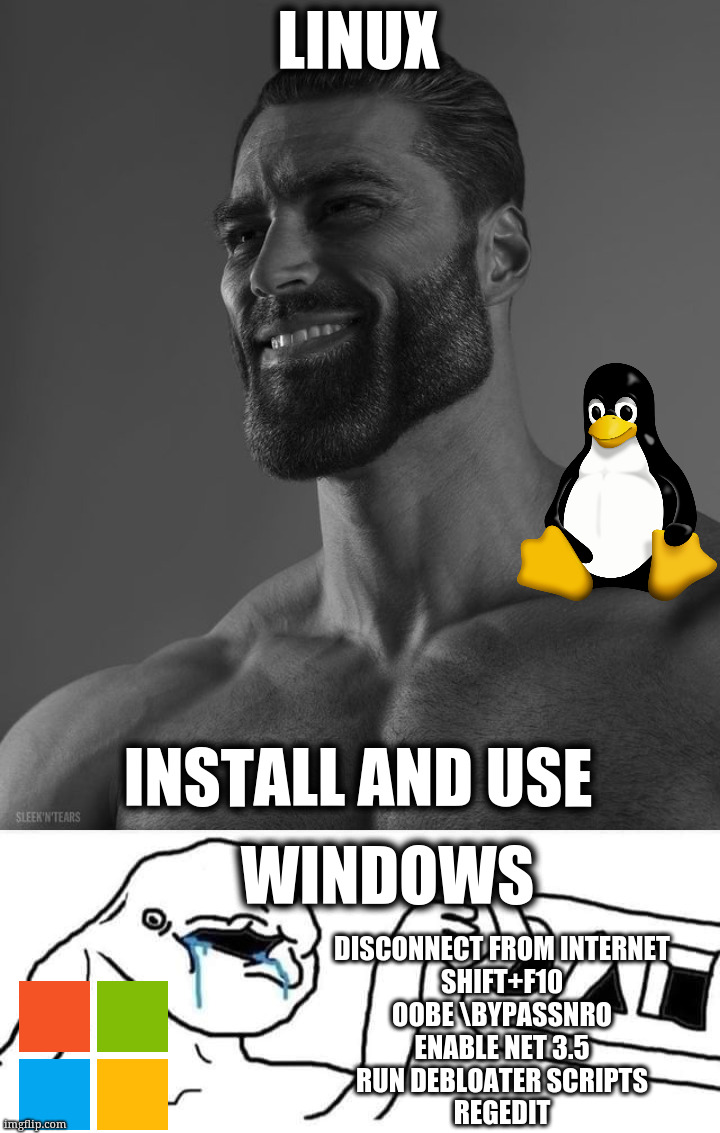
This is where bazzite comes in. Bazzite is targeted at gamers and developers. It promises quick setup for games as well as a rock solid foundation. So gamers can focus on games and not on messing up their system by accident. The foundation is also what attracts developers. Because you can't mess up the base OS.
Bazzite is based on fedora silverblue and it is an immutable OS. Which means you can't change/update/add system packages. But then how do you install and use apps and develop stuff? Bazzite has a few options for you:
- Appstore and Flatpaks: best for general GUI apps (firefox, obsidian, discord etc)
- AppImages: for general GUI apps when you can't find flatpaks (Claude Desktop, LM studio)
- Homebrew: kind of a self-contained package manager (unlike apt/dnf which directly install into your system) - a lot of cli apps have brew casks (packages are called casks in brew, they have even more fun terms like kegs, racks, cellars, taps etc)
- Distrobox: GUI or CLI apps in any distro of your choice (debian/arch/fedora etc). Distroboxes are containers running your favourite distro with very tight integration into your host machine. So tight that you can run GUI apps from inside the container on your host DE (more on this below).
- Modify your system files (very last resort, not recommended generally) - in my entire year of using bazzite for development and games, I have not yet needed to use this option.
Distrobox is amazing, both conceptually and in practice. Sure it might use a little extra resources than running it natively, but the flexibility and convenience it provides is well worth the cost. I do all my development in a debian distrobox. I installed vscode on it, exported it to my host and use it like a normal GUI app. You can install cursor/antigravity etc similarly. I also have some distros for arch and fedora: in case a particular software I'm looking only has install instructions for those platforms.
Pro-tip: I have aliased db to distrobox enter debian because of how frequently I use it.
Why I love it specifically is that if I break debian, I can just recreate the debian distrobox and reinstall packages and continue working. Another time distrobox came in clutch was when I wanted to run LLMs on my AMD GPU. Bazzite doesn't ship with ROCm (CUDA equivalent) so any binaries I use won't find ROCm files and therefore can't use accelerated compute. But I found a distrobox image with ROCm installed, I just installed ollama/llama.cpp on top of it, passed my GPU to the image and used local LLMs. So I got ROCm drivers without messing up my gaming drivers. This is usually a major pain point on any windows machine or linux distro. And it works so easily here.
For gaming, the ones I play are mostly singleplayer or light co-op games. None of them use anti-cheat, so they work out of the box with Proton. Only stardew valley needed a CLI fix (because I was using mods).
Minor gripes: Choosing between GNOME and KDE is tough, both have their pros and cons. I use gnome on my laptop as it also doubles as a tablet and gnome is more touch friendly. But gnome has a horrid on screen keyboard. On the contrary, writing gnome extensions is surprisingly easy (once you find correct docs for your version), and bazzite came pre-installed with a few useful ones. KDE seems much more traditional in the sense of layout and interaction with the desktop but I felt that the extension community is lacking there. But my biggest problem is wayland. I understand and agree that wayland > X but just some design decisions on their end annoy me like apps can't pin themselves, the DE has to pin them, or apps can't decide (or know) their own position relative the screen. But these are mostly minor gripes and nitpicks.
One thing I did specifically while setting up my new systems: document the commands I ran. Now I have setup scripts which I can mostly use to replicate setups. (Yes I can build images for bazzite or debian, but the scripts take <5 minutes to execute and work, why spend extra time building, publishing and maintaining images), if there is demand for it, I might release those scripts.
I use bazzite daily for work and play. My year of the Linux desktop is here. I would definitely recommend giving it a try.